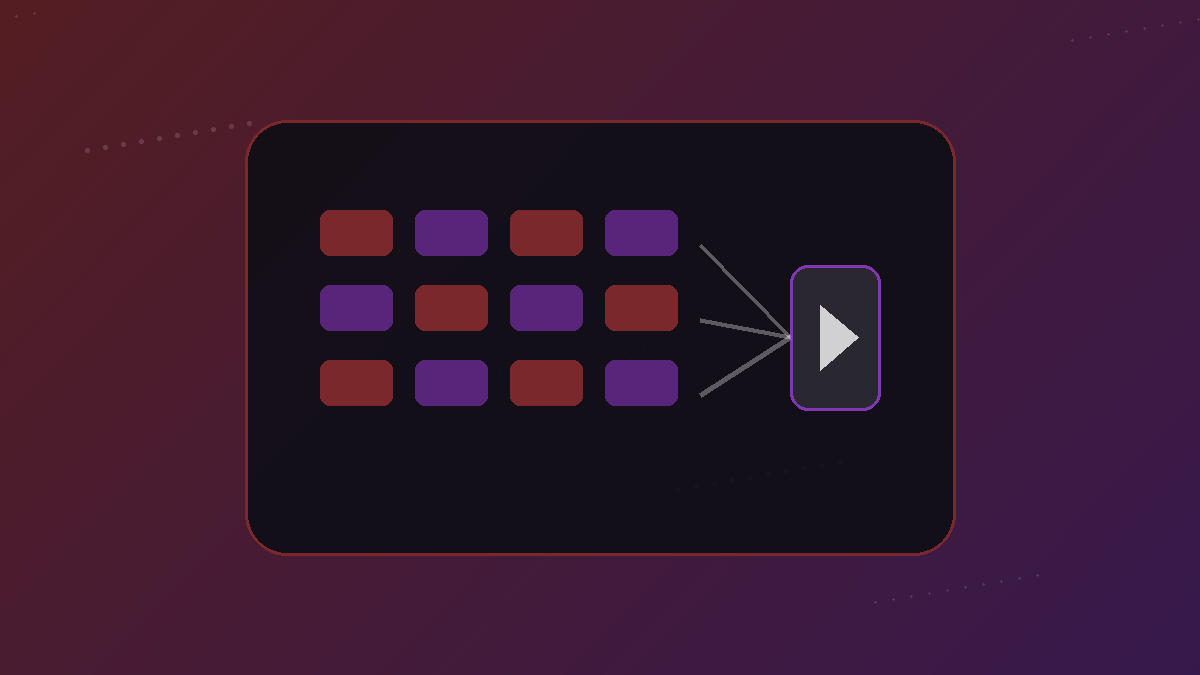
- HLS and DASH are adaptive streaming systems designed for playback over HTTP.
- A webpage may expose a manifest that points to many media segments rather than one MP4.
- yt-dlp-style extractors identify site-specific media information; FFmpeg handles many media formats, protocols and muxing jobs.
- Downloading is often a reconstruction problem: identify the right tracks, fetch the pieces and package them into a playable file.
The web stopped being “one video page = one video file” a long time ago
Early web video often looked like a single file behind a player. Modern streaming is more dynamic. Platforms may encode many versions of the same program at different bitrates and resolutions, split the media into segments, and let the player switch representations while the video is playing.
That architecture improves playback resilience, but it makes downloading more complex. A downloader has to understand the media presentation, not just scan the HTML for the first URL ending in .mp4.
HLS: playlists that point to media segments
Apple’s HTTP Live Streaming system uses ordinary HTTP delivery and playlist files, commonly with the .m3u8 extension. A master playlist can describe multiple quality variants and alternate audio or subtitle renditions. The player chooses what to request based on device and network conditions.
For an offline copy, the relevant segments have to be fetched in the right order and packaged into a usable file. Live HLS adds another complication because the playlist can keep changing until the broadcast ends.
DASH: a manifest describing multiple representations
MPEG-DASH serves a similar adaptive purpose using an MPD, or Media Presentation Description. The manifest can describe separate adaptation sets for video, audio and subtitles, each with several representations. A browser player can select and synchronize them dynamically.
For downloaders, this means “1080p” might refer only to a video representation. The audio may live in a separate adaptation set. A correct workflow selects a matching audio stream and combines the two.
What an extractor such as yt-dlp contributes
An extractor understands how a particular site exposes media metadata and formats. The yt-dlp project contains a large collection of extractors plus generic mechanisms for embedded media, while explicitly warning that websites change and support can break until an extractor is updated.
A production downloader therefore needs graceful failure. It should distinguish “unsupported,” “private,” “temporarily blocked,” “token expired,” and “no usable format” instead of giving every failure the same meaningless error message.
What FFmpeg contributes
FFmpeg is a broad multimedia framework and toolset with support for numerous formats, codecs and network protocols. In a downloader pipeline it is commonly used to remux or merge streams, transcode when necessary, inspect media and normalize outputs.
Remuxing is different from transcoding. Remuxing repackages already encoded streams into a different container when they are compatible. Transcoding decodes and re-encodes media, which takes more compute and can change quality. A high-quality downloader avoids needless transcoding.
Why direct links expire
Many media URLs are temporary. CDNs can sign URLs with timestamps, session tokens or policy parameters. A copied segment URL may work for a short time and then return 403 Forbidden even though the original webpage still plays normally.
That is why an analyzer should work from the original page URL whenever possible. Re-running analysis can obtain fresh media information rather than repeatedly hammering an expired endpoint.
The clean mental model
Think of the media page as a recipe rather than a file. The extractor finds the ingredients and instructions; the downloader fetches the ingredients; the media layer packages them into the output you requested. Once you understand that model, silent files, m3u8 playlists, MPD manifests and format lists stop looking mysterious.
It also explains why website changes can suddenly break a downloader without any change on your computer. The recipe changed.
Why audio and video are often delivered separately
Adaptive streaming systems optimize delivery by treating representations as selectable building blocks. A platform can offer several video-only tracks and several audio tracks, then let the player choose the combination that fits the device and network. That is efficient for streaming and localization, but it surprises users who expect every “video” URL to contain sound.
A downloader therefore needs format selection logic, not just file transfer. It must choose compatible tracks, obtain all required segments and package them correctly. A silent high-resolution result usually points to an incomplete selection or merge step, not to missing sound in the original page.
Cookies and authentication are an access boundary, not a magic fix
Some pages expose different media to a signed-in user than to an anonymous visitor. Session cookies can prove that a browser has an authorized session, but they can also function like temporary account credentials. Passing them around casually creates a serious security risk.
A responsible system minimizes credential handling and never asks users to paste passwords into an unrelated downloader page. When content is private, paid, age-restricted or otherwise account-bound, prefer the platform’s authorized export or offline mechanism. Technical capability should not be confused with permission to defeat access controls.
Remuxing, transcoding and copying are three different jobs
If the selected audio and video streams are already encoded in formats a target container accepts, FFmpeg can often remux them: the compressed streams are copied into a new container without decoding and re-encoding every frame. That is faster and avoids another generation of quality loss. Transcoding is required when codecs, containers or target-device constraints do not line up.
Knowing the difference matters operationally. A service that transcodes everything burns more CPU, takes longer, increases failure surface and may reduce quality for no benefit. A good media pipeline copies when it can and converts only when it must.
Why a downloader needs observability, not just a retry button
Production failures can occur at several layers: source extraction, DNS, CDN access, rate limits, temporary URLs, segment fetching, muxing, storage, or the final browser transfer. If all those failures collapse into “Download failed,” users cannot make a sensible next move and operators cannot improve reliability.
Useful logs should identify the stage without exposing sensitive URLs, cookies or tokens. User-facing errors should translate that diagnosis into safe action: re-analyze, wait after a rate limit, choose another available format, use the official platform route, or report a genuine extractor regression.